Collections
The Collections screen lists every recorded delivery for the active factory and season. Use it to review the day's intake, look up a member's deliveries, and reverse mistakes.
Permission required: COLLECTION_READ · Reversals: COLLECTION_REVERSE.
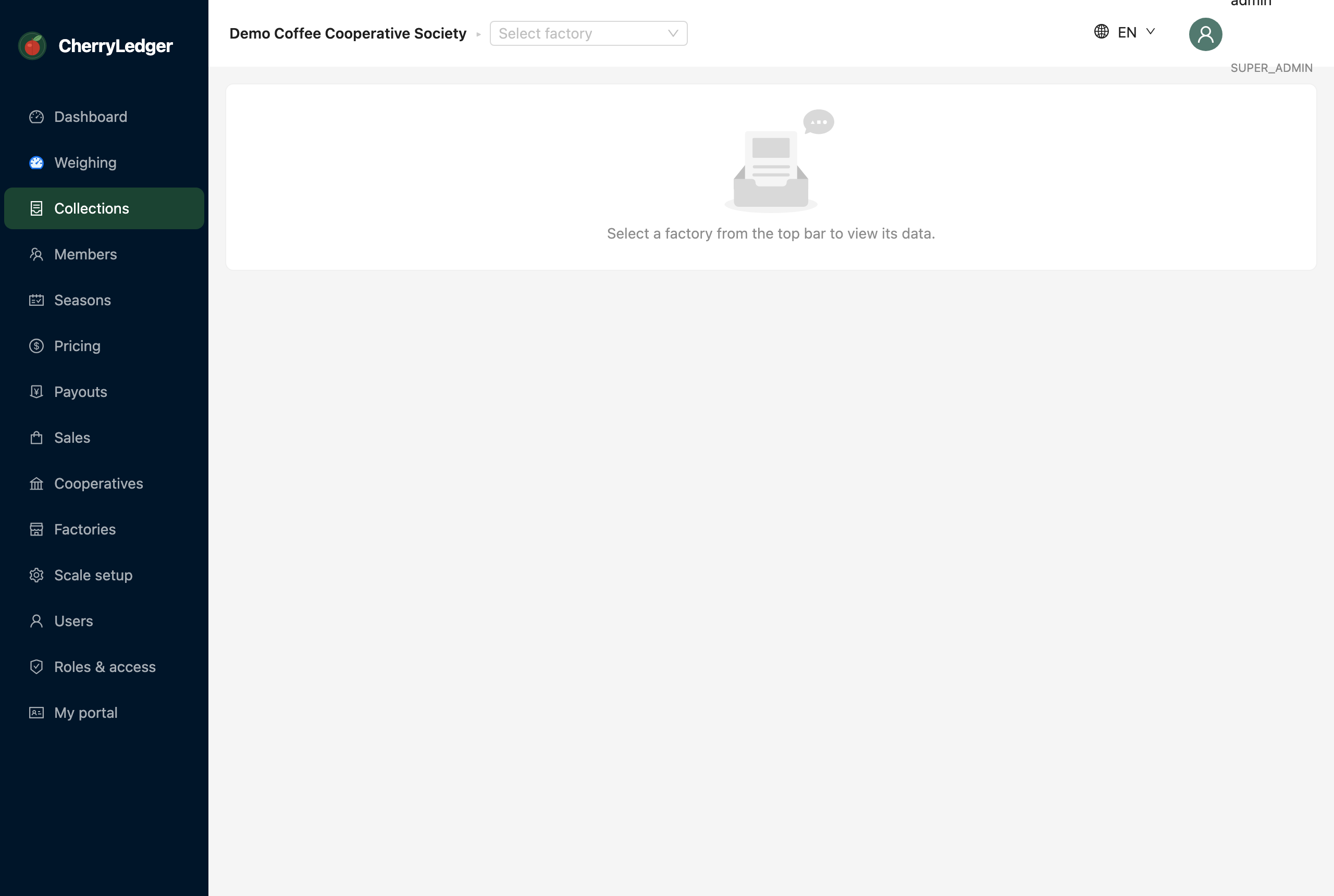
Reviewing deliveries
Each row shows the member, produce, weight, who recorded it and when. Filter and search to find a specific member or day. Totals help you reconcile the bay's intake against the scale sheet.
Reversing a delivery
To correct an erroneous delivery:
- Find the delivery in the list.
- Select Reverse and confirm.
- A reversing entry is appended — the original remains visible for audit, and the member's totals are adjusted.
Reversals are append-only
CherryLedger never hard-deletes a delivery. This keeps the record trustworthy for members, the committee and auditors.
How collections feed the rest of the system
- Members' totals and statements are built from collections.
- Payouts multiply delivered kilos by the season price.
- Sales realised price is calculated per delivered kilo.