Factories
A factory (wet mill) belongs to a cooperative and is where deliveries are weighed. A cooperative can run several factories, each with its own staff, members and deliveries.
Permission required: FACTORY_READ (view), FACTORY_CREATE / FACTORY_UPDATE / FACTORY_DELETE.
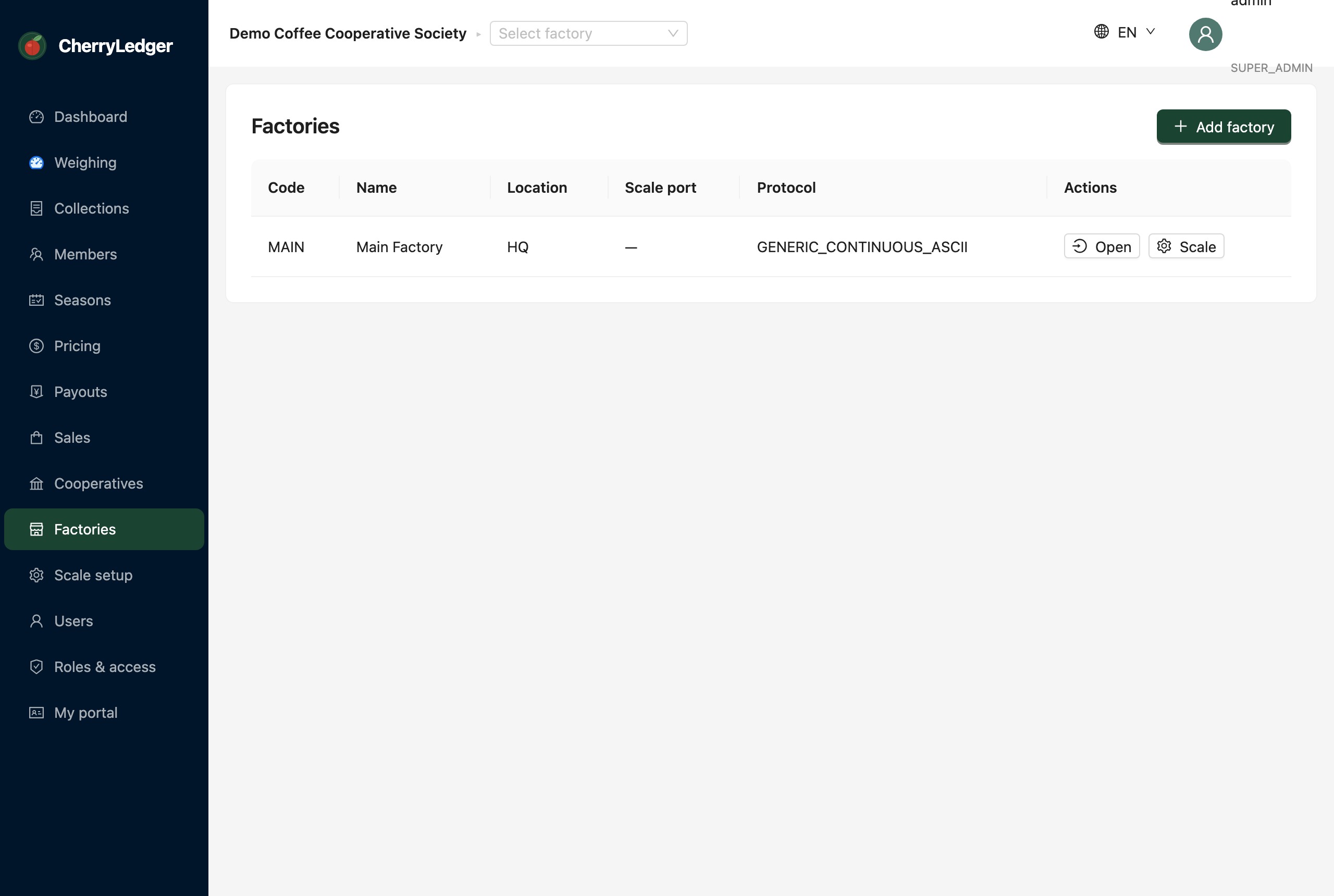
Adding a factory
- Select Add factory.
- Enter the name, a short code (e.g.
GKF), and location. - Save.
Factory scoping
Most staff are assigned to one factory and only see that factory's data. Managers or admins with the
"view all factories" permission (FACTORY_VIEW_ALL) can switch between factories using the
active-factory selector.
Scale configuration
Each factory has its own scale settings — serial port, baud rate, protocol and parsing rules — used for automated weighing. See Scale setup to configure and calibrate the weighing-bay scale.
Assigning staff to factories
On the Users screen you can assign a user to one or more factories; managers often operate several.