Sales & realised price
Once the cooperative sells its coffee, the Sales screen records what it fetched and turns that into the realised price per kilo that farmers are ultimately paid.
Permission required: SALE_READ (view), SALE_MANAGE (record), PRICE_SET (apply realised price).
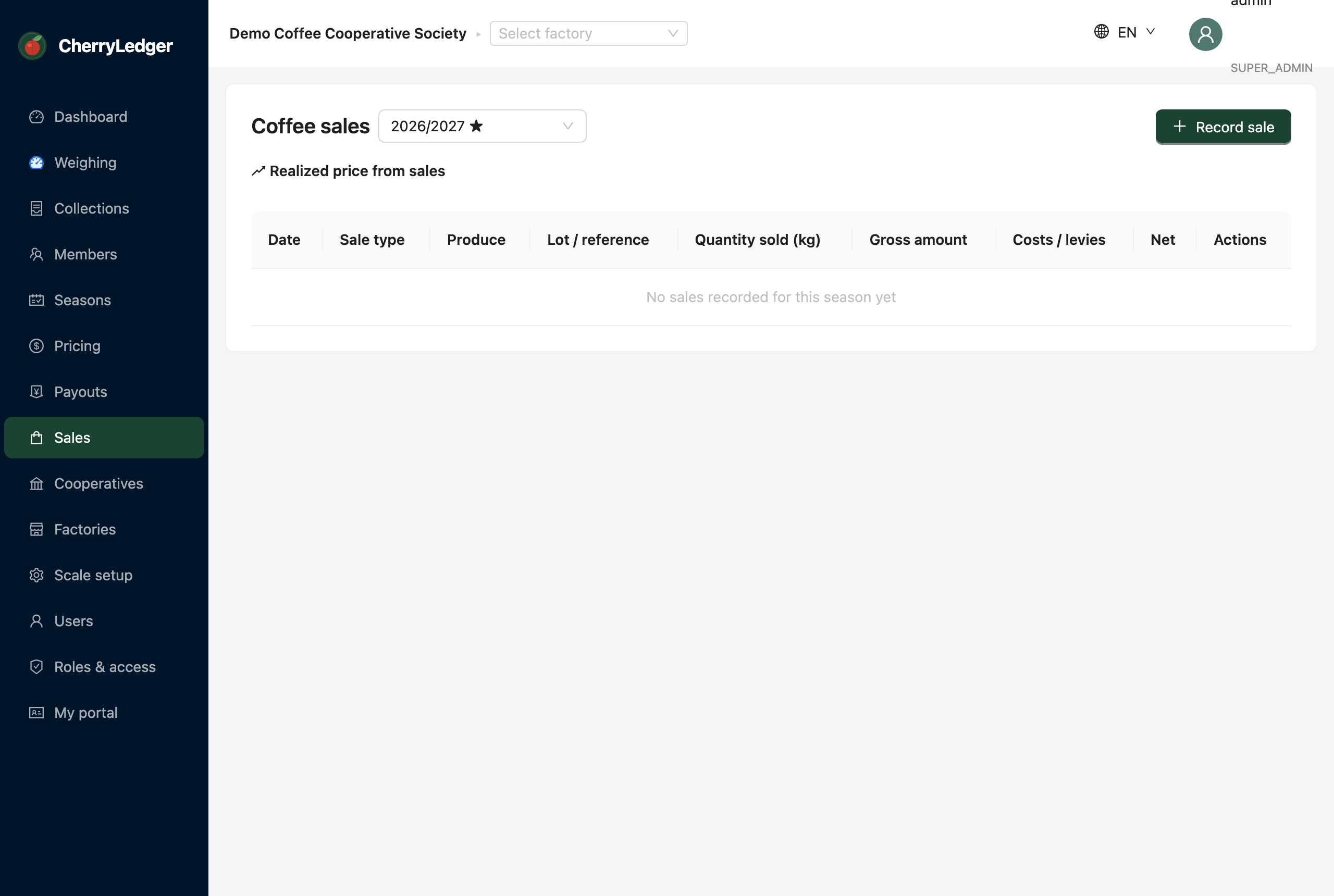
Recording a sale
- Select Record sale.
- Choose the sale type — auction or direct — and the produce.
- Enter the gross proceeds and any costs.
- Save.
The realised rate
CherryLedger computes the realised rate per kilo as:
(gross proceeds − costs) ÷ delivered kilos
for the produce and season. The screen shows a realised-price card per produce.
Applying it as the final price
Select Apply as final price on a realised-price card. This writes the value to the season's
final rate (PRICE_SET), and every affected member statement flips from
provisional to realised automatically.
Applying is significant
Applying the realised price finalises what members are owed. Make sure all sales and costs for the produce are recorded first.