Getting started
Accessing CherryLedger
CherryLedger runs in your web browser at portal.cherryledger.co.ke. It works on a laptop, tablet or phone. For automated weighing you'll need a Chromium-based browser (Chrome or Edge) on the weighing-bay computer.
Signing in
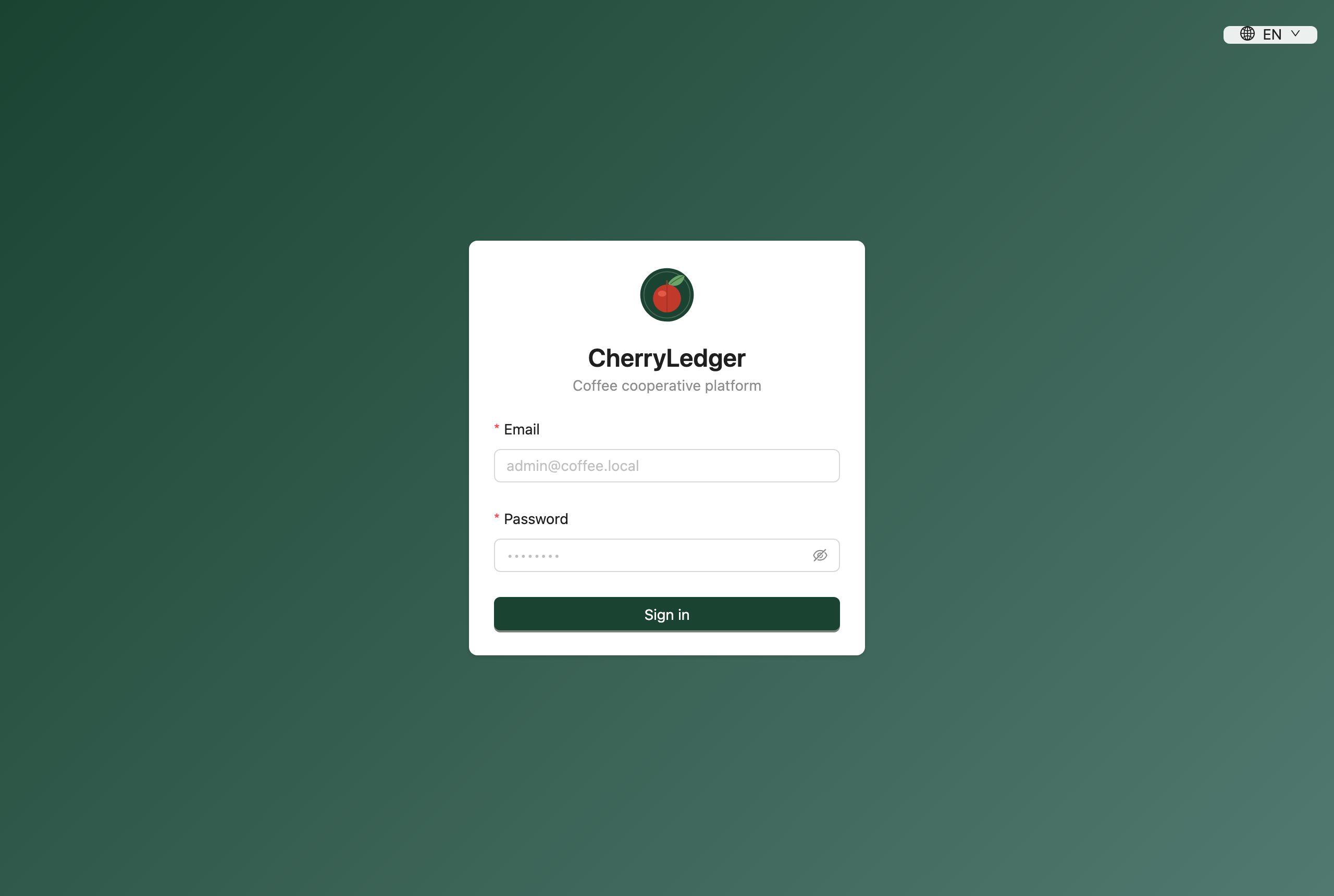
Enter the email and password for your account and select Sign in. If you don't have an account yet, ask your administrator to create one — you'll then receive an invitation email.
Accepting an invitation
When an administrator creates your account, CherryLedger emails you an invitation with a "Set your password" button.
- Open the email and click Set your password (or paste the link into your browser).
- Choose a password (at least 6 characters) and confirm it.
- Select Set password & continue — you'll be taken to the sign-in screen.
Invitation links expire
An invitation link is valid for 24 hours and can only be used once. If yours has expired, ask an administrator to use Resend invitation on the Users page.
Switching language
CherryLedger is fully bilingual. Use the language switcher () in the top-right to switch between English and Kiswahili. Your choice is remembered on your device.
Choosing your active factory
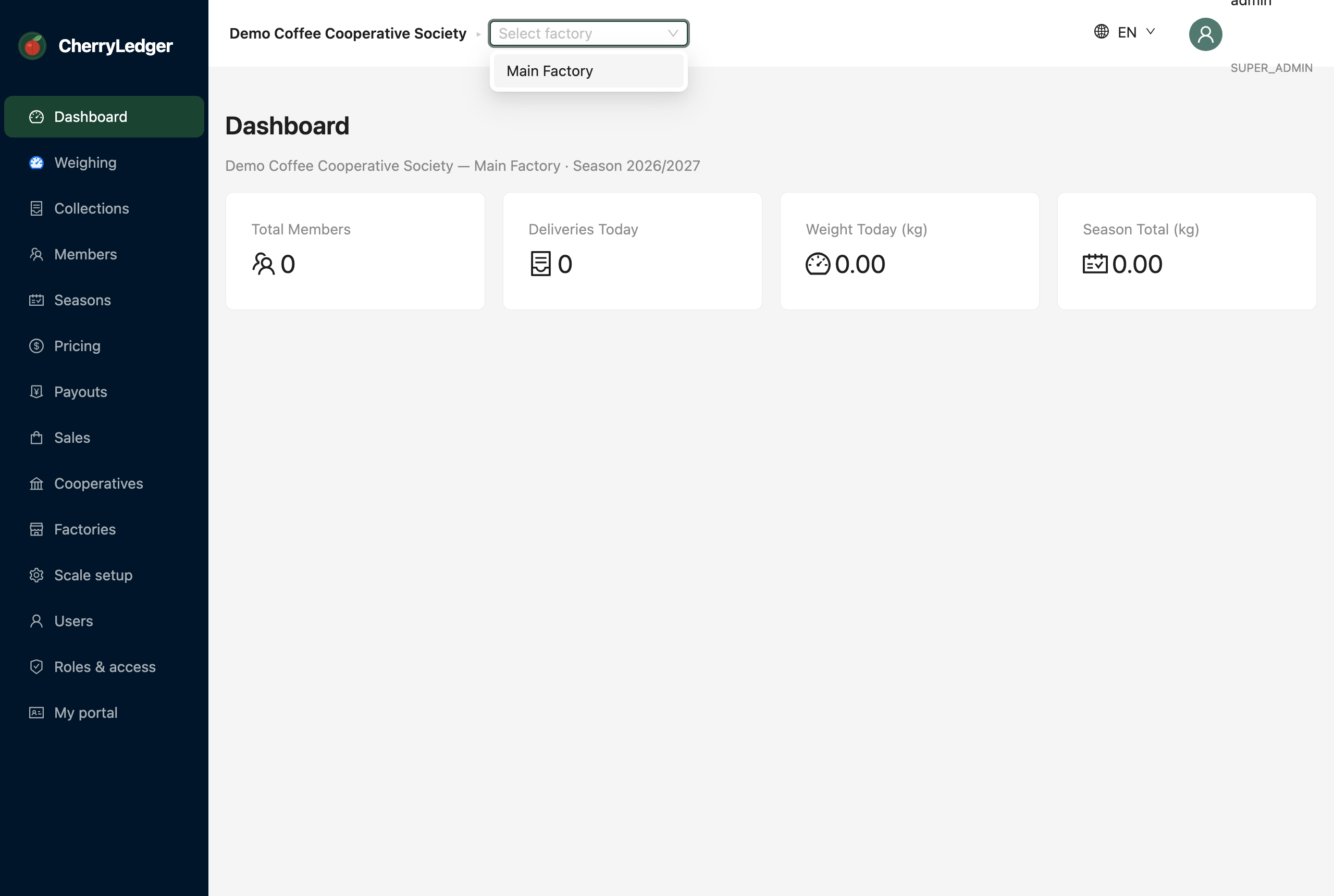
If you work across more than one factory, a factory selector appears in the header. The factory you choose here scopes what you see and do — deliveries, members and reports all follow the active factory.
Note
Staff assigned to a single factory won't see the selector — they're always scoped to their factory.
Choosing your active cooperative
System owners (super administrators) work across every cooperative on the platform, so a second selector appears to the left of the factory one. Switching cooperative re-scopes the whole app — factories, members, users and reports all follow the cooperative you pick.
Note
Only super administrators see this selector. Everyone else is permanently scoped to their own cooperative and cannot view another cooperative's data.
Switching cooperative clears your active factory, since factories belong to a cooperative. Until you pick one, the Users screen lists everyone in that cooperative; once you choose a factory, it narrows to the staff assigned to it.
Finding your way around
The sidebar on the left lists everything you have permission to use. You'll only see the sections your role allows — a weighing clerk sees far fewer items than a cooperative administrator.
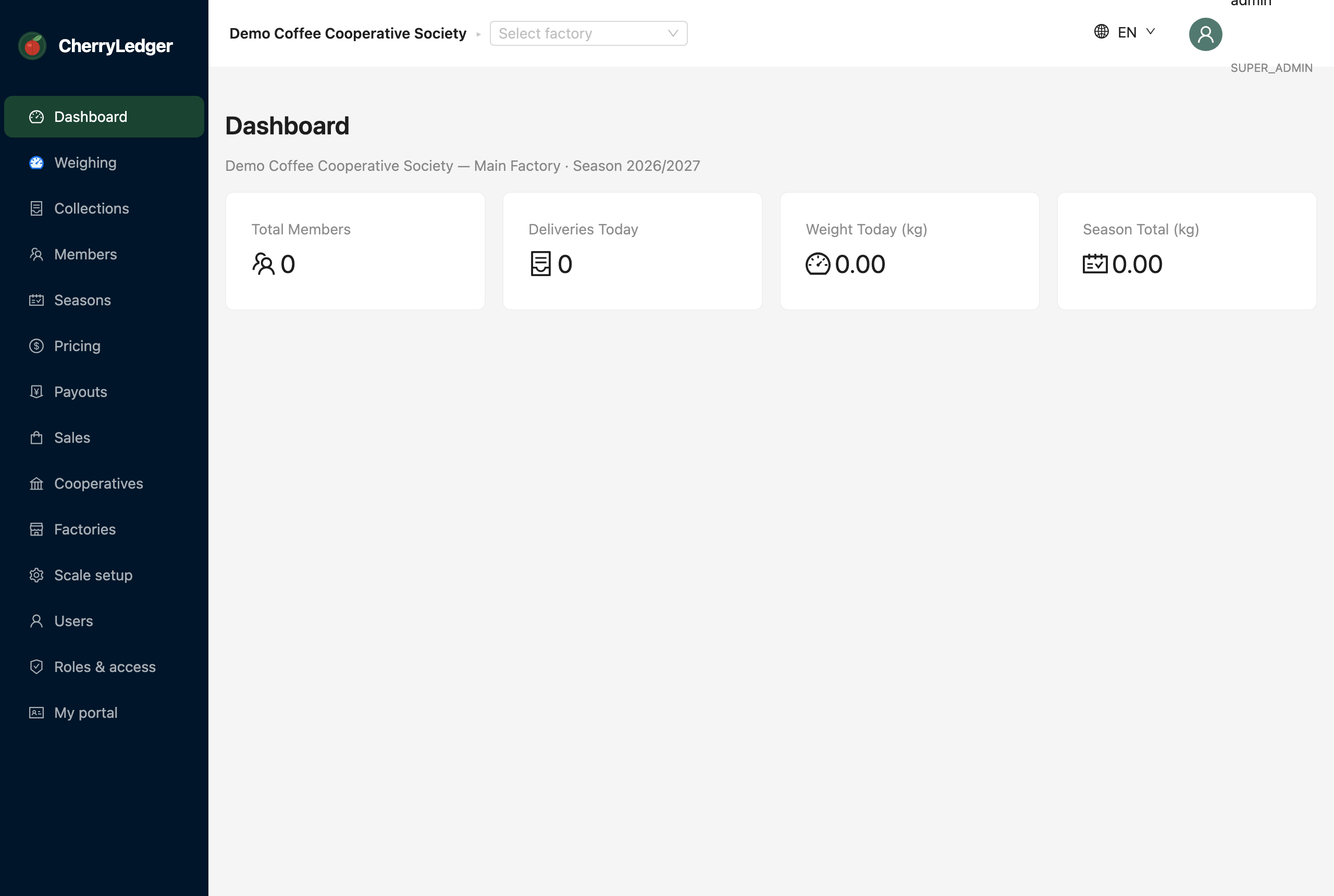
Common destinations:
- Dashboard — a summary of the current season.
- Weighing / Collections — record and review deliveries.
- Members — the farmers of your factory.
- Pricing, Payouts, Sales — the finance workflow.
- Profile — change your own password and theme.
Next: head to Weighing & deliveries for day-to-day work, or Administration if you're setting the system up.