Farmer portal
The portal is a member's self-service view. Farmers sign in to see their own deliveries and download their season statement — no need to visit the office.
Permission required: PORTAL_ACCESS (granted by the Member role).
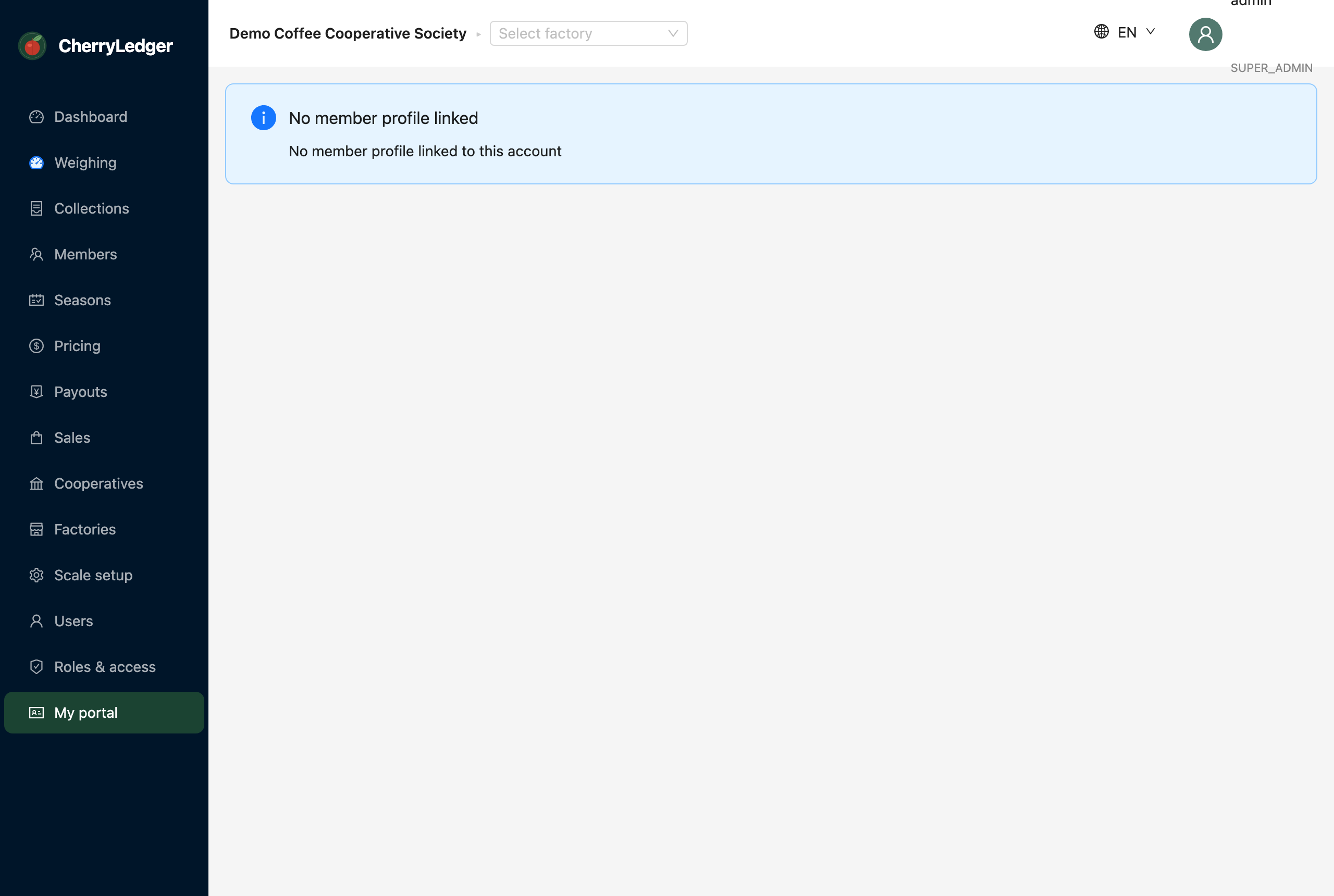
What a member can see
- Their deliveries for the season, with weights.
- Their statement — priced value, advances, deductions and net payable, provisional or realised.
Giving a farmer portal access
- Create a user for the farmer with the Member role.
- Send them an invitation so they can set a password.
- They sign in at portal.cherryledger.co.ke and land on their portal.
Note
Members only ever see their own information — never other farmers' data or any staff screens.