Payouts
A payout run calculates what every member is owed for a season and takes it through compute → approve → disburse, ending in a bank-ready export.
Permissions: PAYOUT_READ, PAYOUT_CREATE, PAYOUT_APPROVE, PAYOUT_DISBURSE.
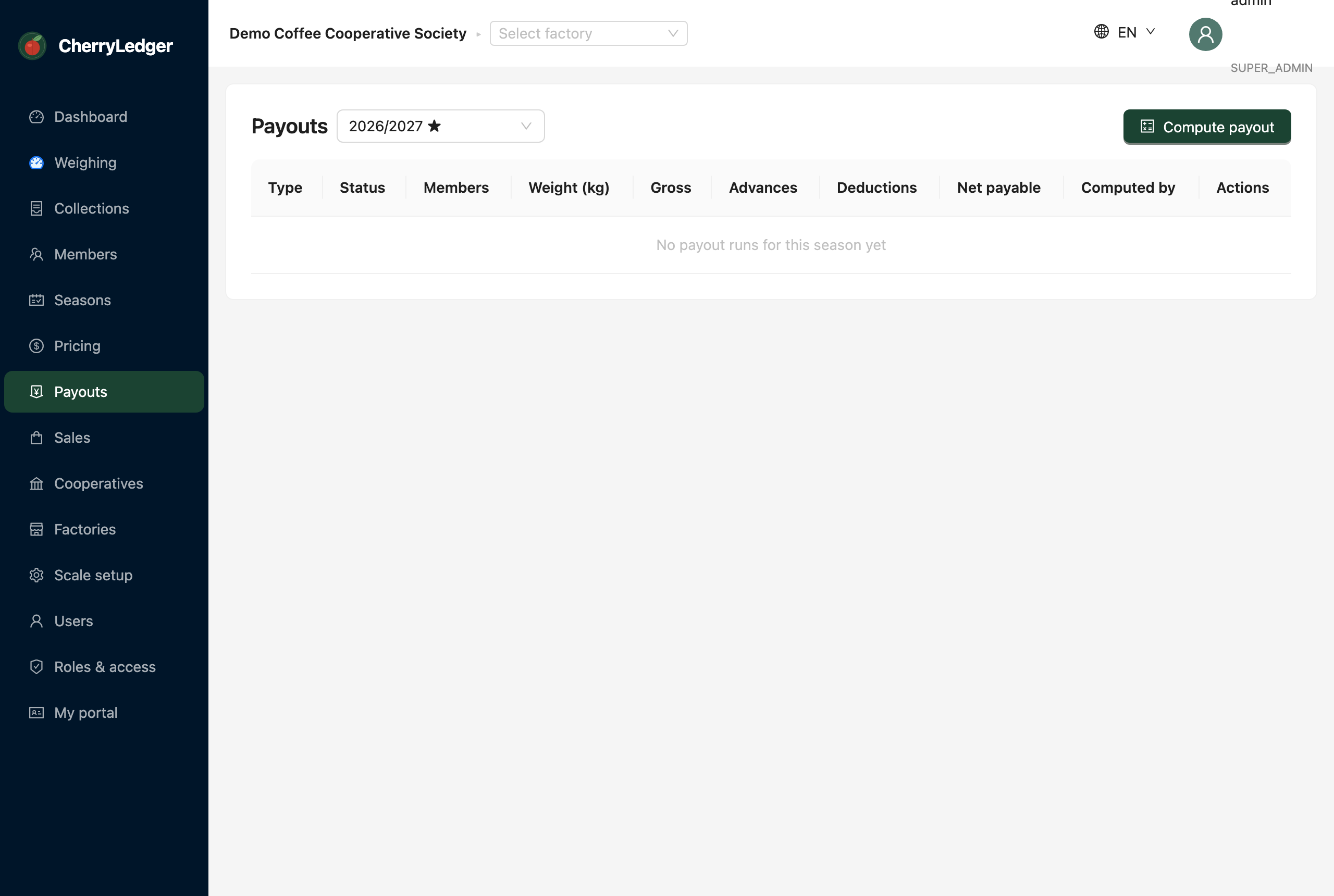
The payout lifecycle
1. Compute
Select Compute for a season. CherryLedger builds a payout run with one line per member: their delivered kilos × the season price, minus advances and deductions. Review the lines for accuracy.
2. Approve
A user with PAYOUT_APPROVE (e.g. a Board Member) reviews and approves the run. Approval marks
it ready to pay and locks the figures.
3. Disburse & export
With PAYOUT_DISBURSE, mark the run disbursed and download the bank list CSV — a file your
finance team submits to the bank (or M-Pesa) to pay farmers.
Cancel a draft
A run that hasn't been disbursed can be cancelled and recomputed if you spot a problem.
What feeds a payout
- Delivered kilos come from Collections.
- The rate comes from Pricing (final rate, ideally set from Sales).
- Advances and deductions come from Advances & deductions.