Members
Members are the farmers of your cooperative. This screen is where you register them, keep their details up to date, and download their season statements.
Permission required: MEMBER_READ (view), MEMBER_CREATE / MEMBER_UPDATE / MEMBER_DELETE, MEMBER_IMPORT.
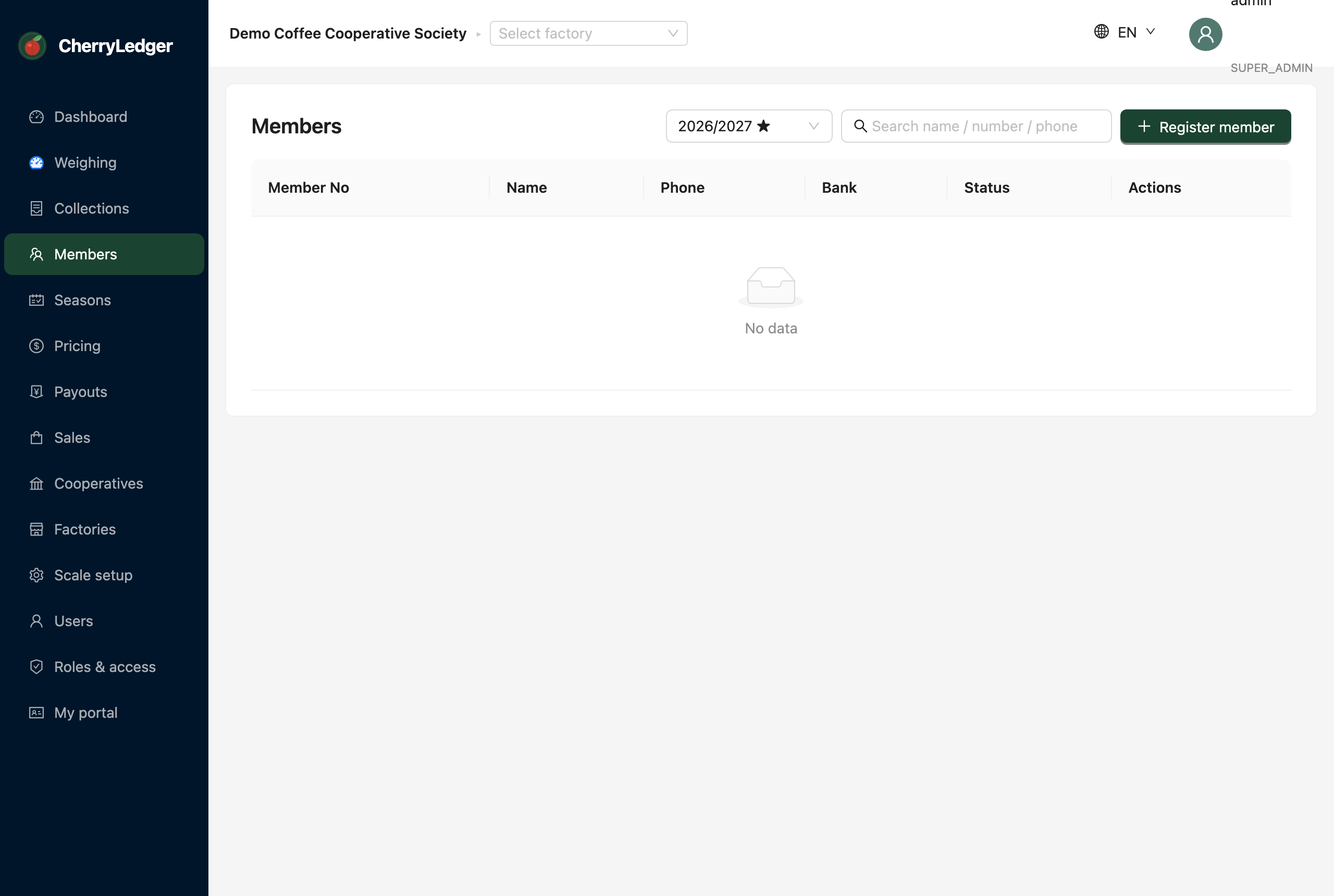
Adding a member
- Select Add member.
- Enter the member's number, name, phone and any other details your factory captures.
- Save. The member is registered under the active factory.
Editing and removing members
Use the row actions to edit a member's details or remove a member. Members are scoped to your factory and cooperative — you won't see members from other factories unless your role grants cross-factory access.
Importing members
If you're moving from spreadsheets, use Import (MEMBER_IMPORT) to bring in many members at once
rather than typing them individually. Ask your administrator or CherryLedger support for the import
template.
Downloading a statement
Each member row has a Statement action. Pick a season and download a PDF
member statement showing their priced deliveries, advances, deductions and net
payable. This requires the REPORT_VIEW permission.
Tip
Members can also see their own statements themselves through the Farmer portal.