Seasons
A season groups a year's deliveries, prices and payouts. Everything financial in CherryLedger — collections, pricing, advances, sales and payouts — is tied to a season.
Permission required: SEASON_READ (view), SEASON_CREATE / SEASON_UPDATE / SEASON_CLOSE.
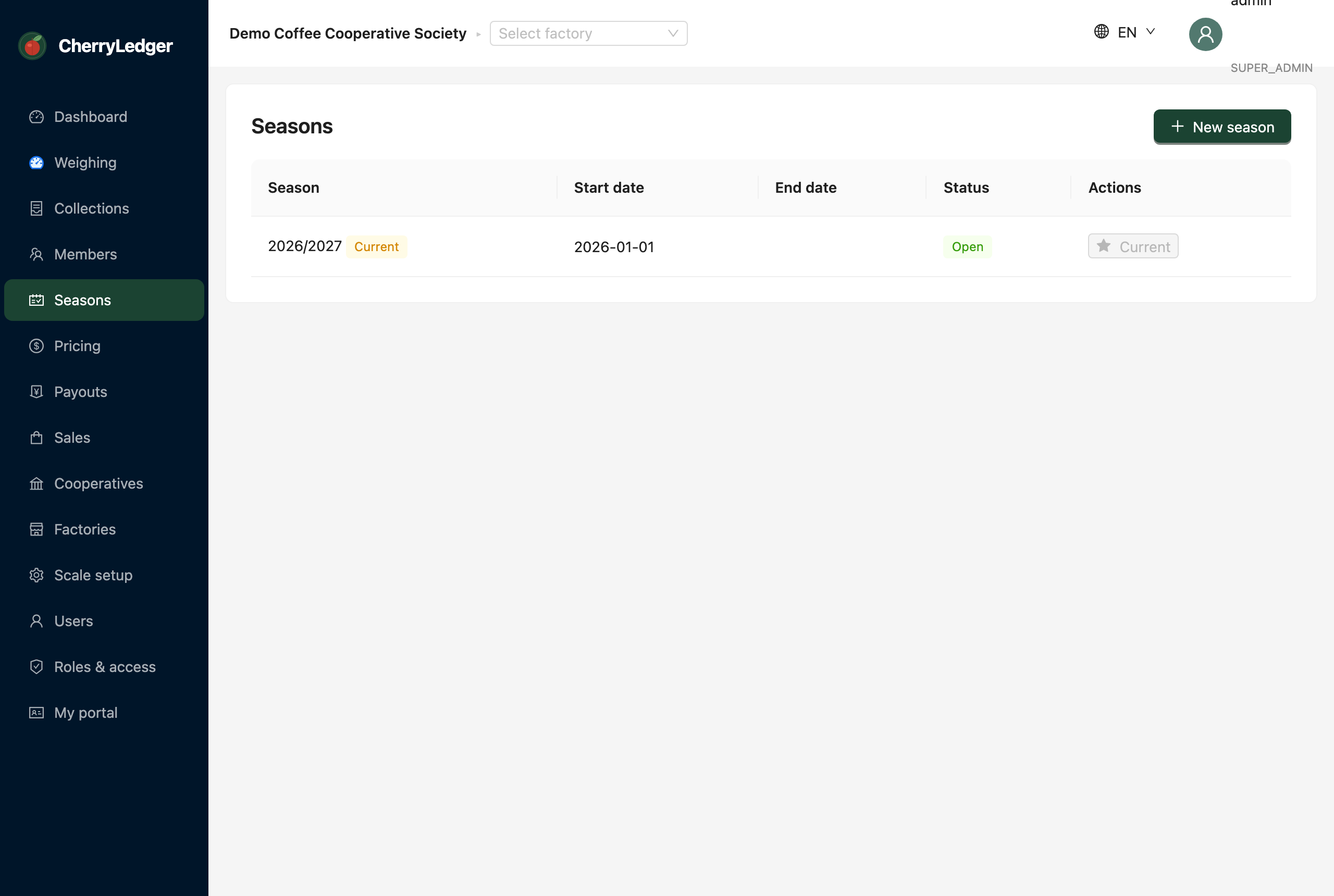
The current season
One season is marked current. New deliveries and prices default to it. When you open the app for the first time, a season for the current year is created automatically.
Creating and managing seasons
- Add season — give it a name (e.g.
2026/2027) and start date. - Set current — make a season the active one for new activity.
- Close (
SEASON_CLOSE) — once a season is fully paid out, close it so no further changes are made.
Seasons are per-cooperative
Each cooperative runs its own seasons. Factories within a cooperative share its seasons.